

The Log Out option allows users to securely end their active session.
Following are the steps to log out from the mobile app:
- Tap
 .
. - Tap Logout on the Logout Confirmation popup.
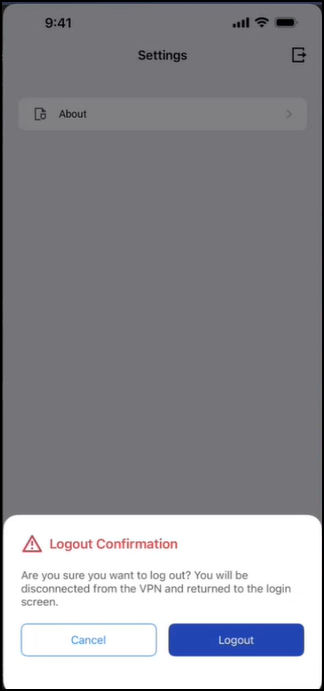
iOS
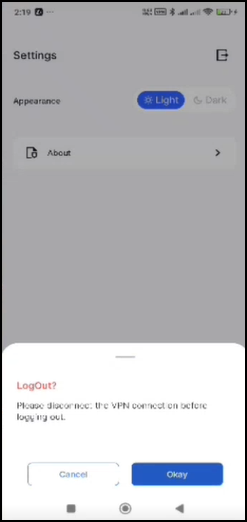
Android
Upon logging out, the app disconnects from the Seqrite ZTNA connection, deletes the associated profile, clears cache data, and redirects you to the domain page.