

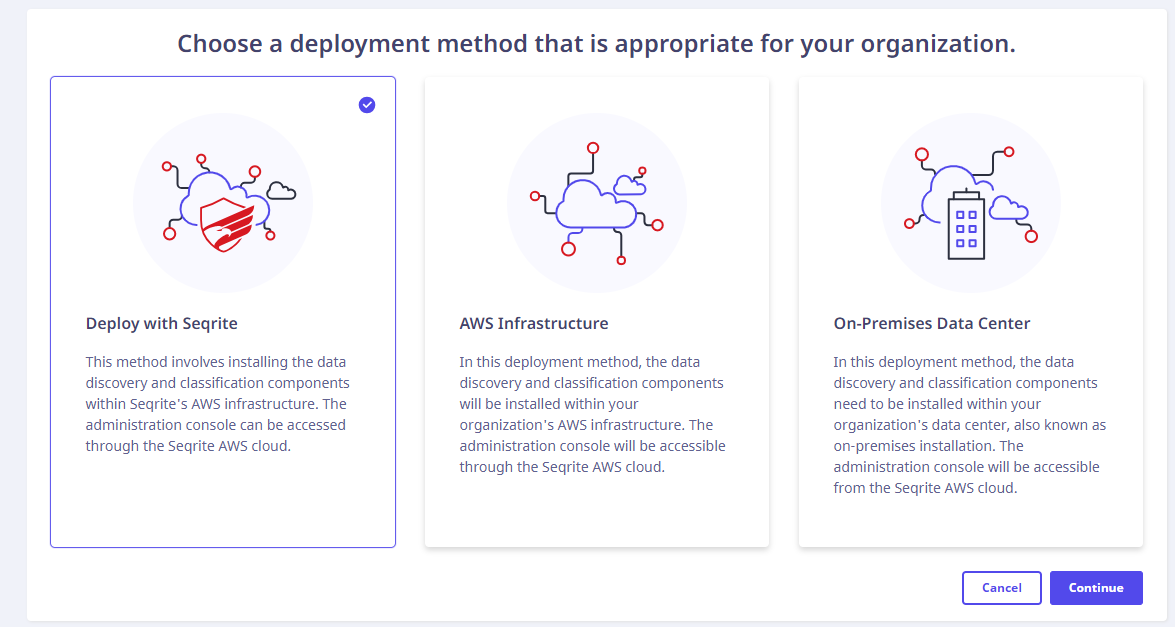
- Select the Deploy with Seqrite option, click Continue.
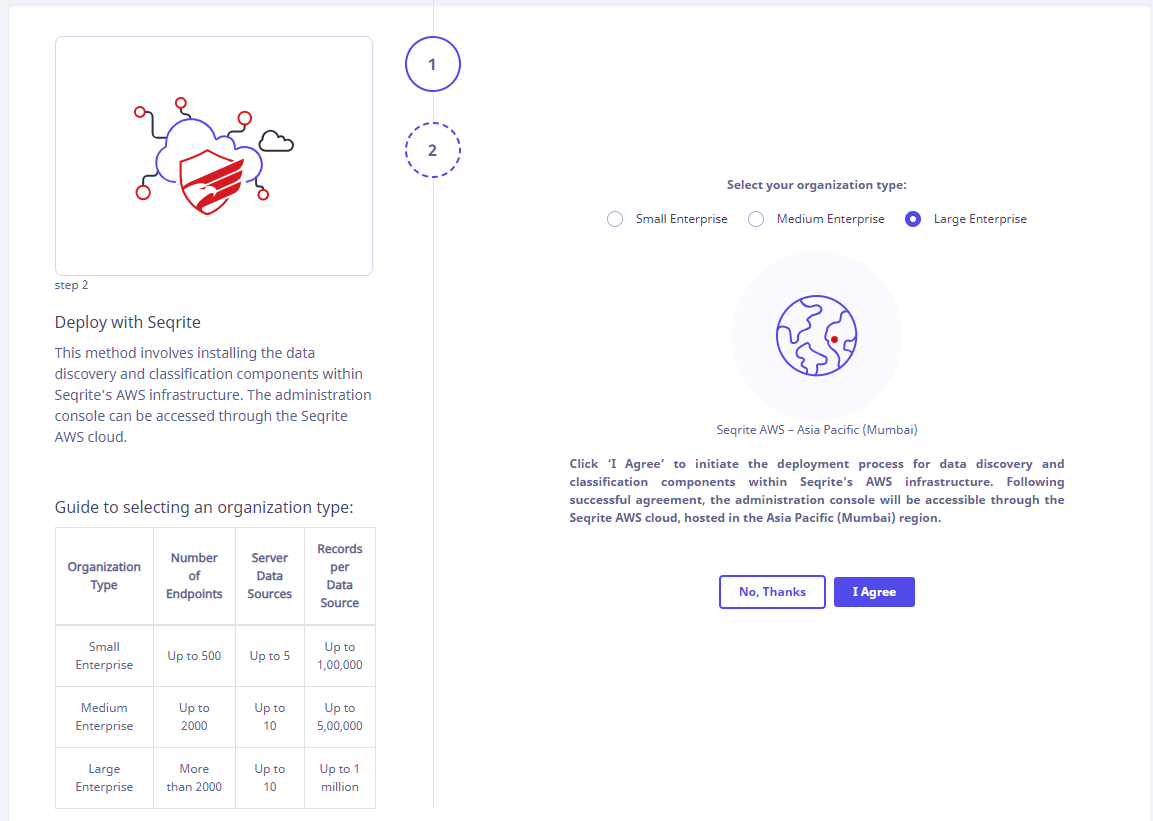
- After selecting your organization type as per the guide present on the left, click I Agree.
The deployment starts.
- After the successful deployment, a success message appears on the screen.


The discovery realm URL is displayed. You can download the logs, if required.