

Reports are assigned a unique score at the brand level, where a higher score indicates greater risk. You can retrieve a complete report for any given date, and the report will be delivered directly to your registered email address.
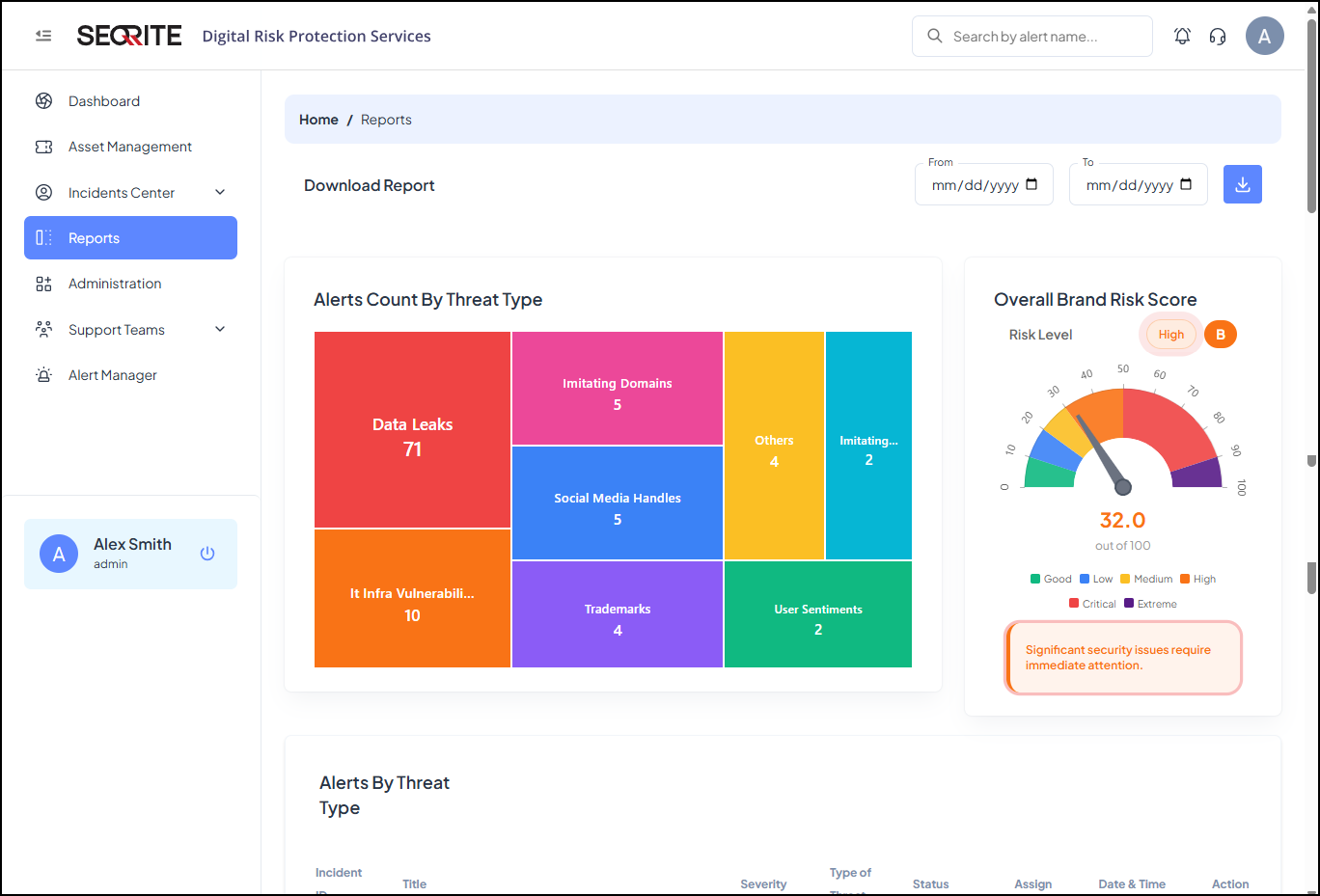
Download/Export Reports
To export reports, follow these steps:
- After logging in to Seqrite DRPS, go to Reports .
- Select a date range and click
 .
.
The system downloads the report for the selected date range.