As a respondent, you will complete the assessment by following these steps:
- Login to the SDP console.
- From the left navigation pane, go to Assessment Automation >> Assessments.
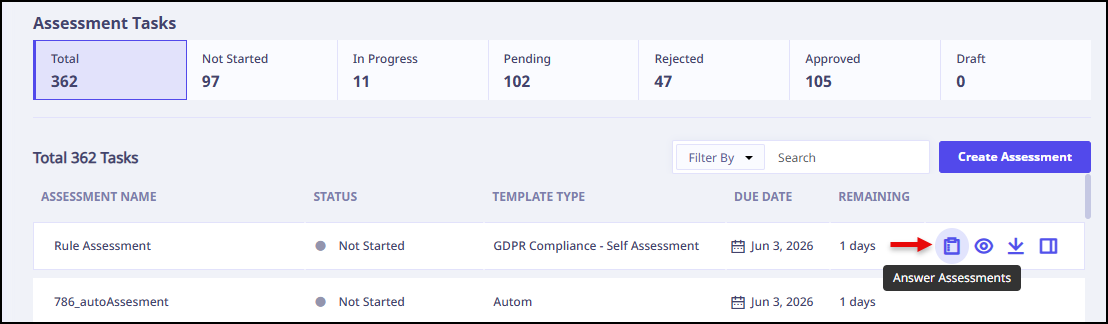
- Select the assessment and click
 .
.
- Review and answer all the questions listed.
- To view the assessment status, which includes actions performed on assessment, click the Status tab.
- To add comments or attachments to the assessment, click Comments tab. You can also use this tab to view any existing comments associated with the assessment.
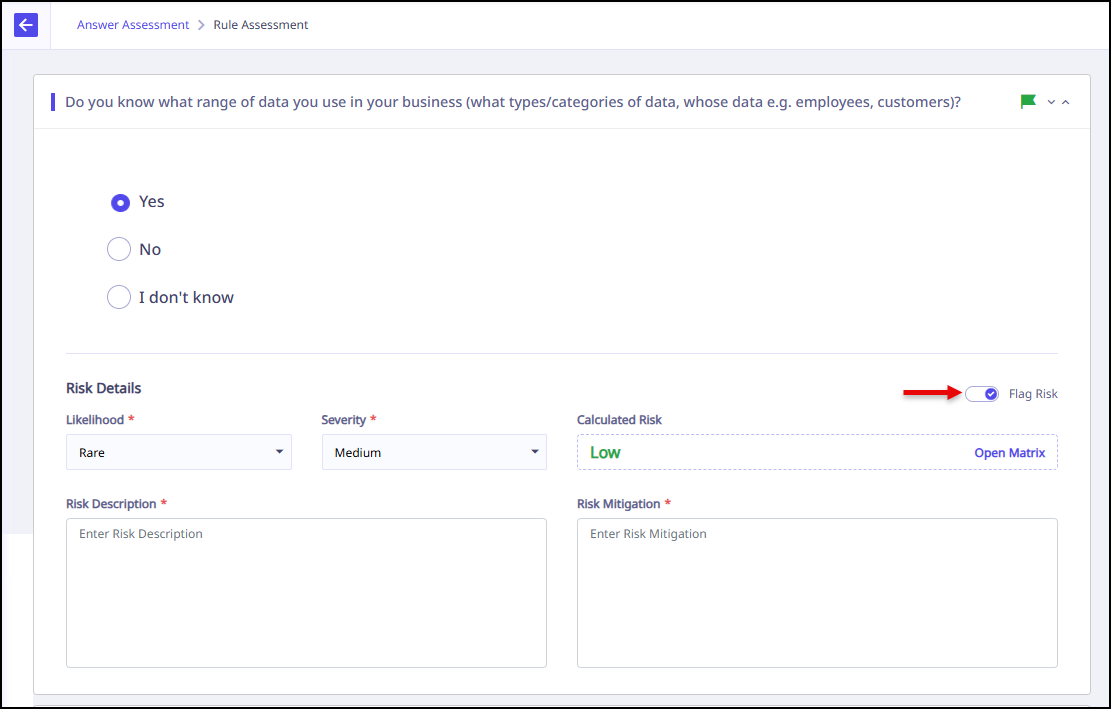
- If you want to flag risk for any question switch the Flag Risk toggle.
- Enter the risk details, Likelihood, Severity, Risk Description, and Risk Mitigation.
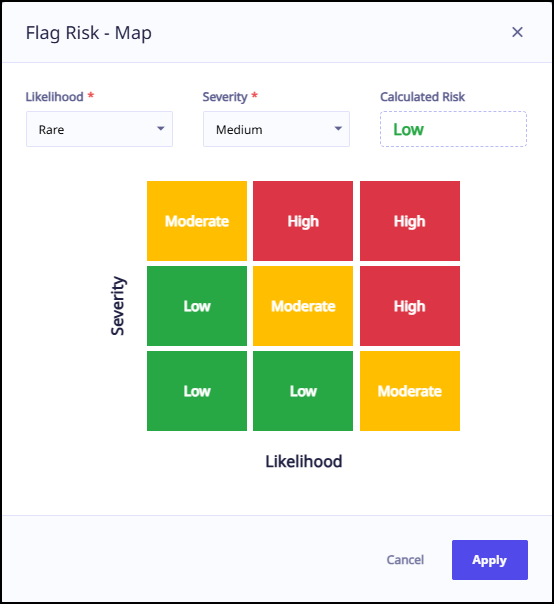
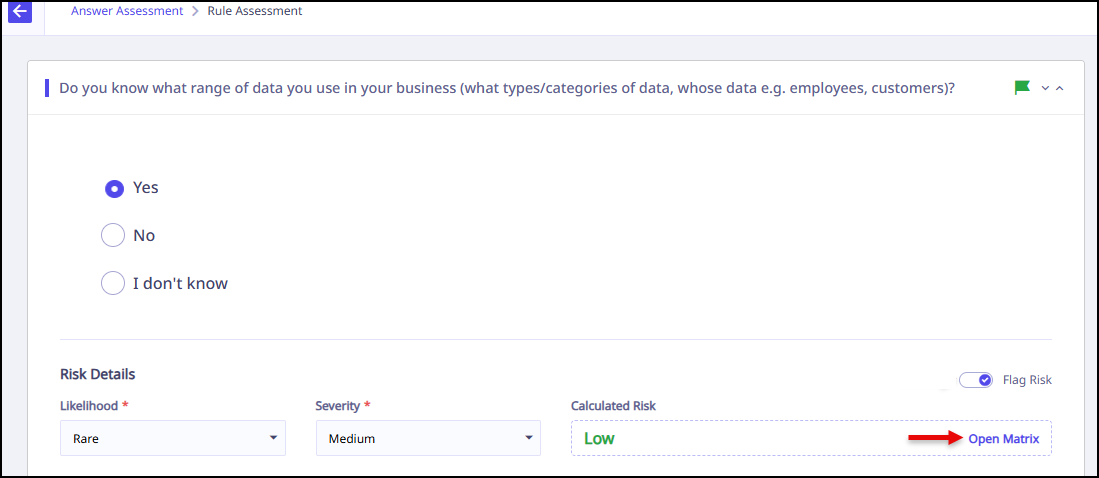
Based on likelihood and severity, risk is calculated. - Click Open Matrix.
- Click Apply.
- Click Submit.
A Flag Risk – Map appears.